1. Prepare a project
Define the site, location, device, and tracked keywords.
Free 0.22.10 · WordPress
Free 0.22.10 includes its own DataForSEO or Managed API measurements, desktop and mobile, Google Search Console API, PageSpeed, Site Crawl, HTML/CSV exports, shared reports, and white-label outputs.
Workflow plan
Verify the measurement source, device, location, Search Console connection, and Site Crawl scope first. Results from different sources or devices are not automatically identical.
Define the site, location, device, and tracked keywords.
Connect only the measurements and Google integrations you need.
Combine rankings, Search Console, performance, and crawl in one working view.
Export HTML or CSV and publish only the intended report.
Features
Free 0.22.10 includes its own DataForSEO or Managed API measurements, desktop and mobile, Google Search Console API, PageSpeed, Site Crawl, HTML/CSV exports, shared reports, and white-label outputs.
Projects, discovered URLs, history, and tasks for desktop and mobile.
Run current SERP measurements from the plugin.
Queries, clicks, impressions, pages, and an authenticated API workflow.
Practical performance checks and technical recommendations.
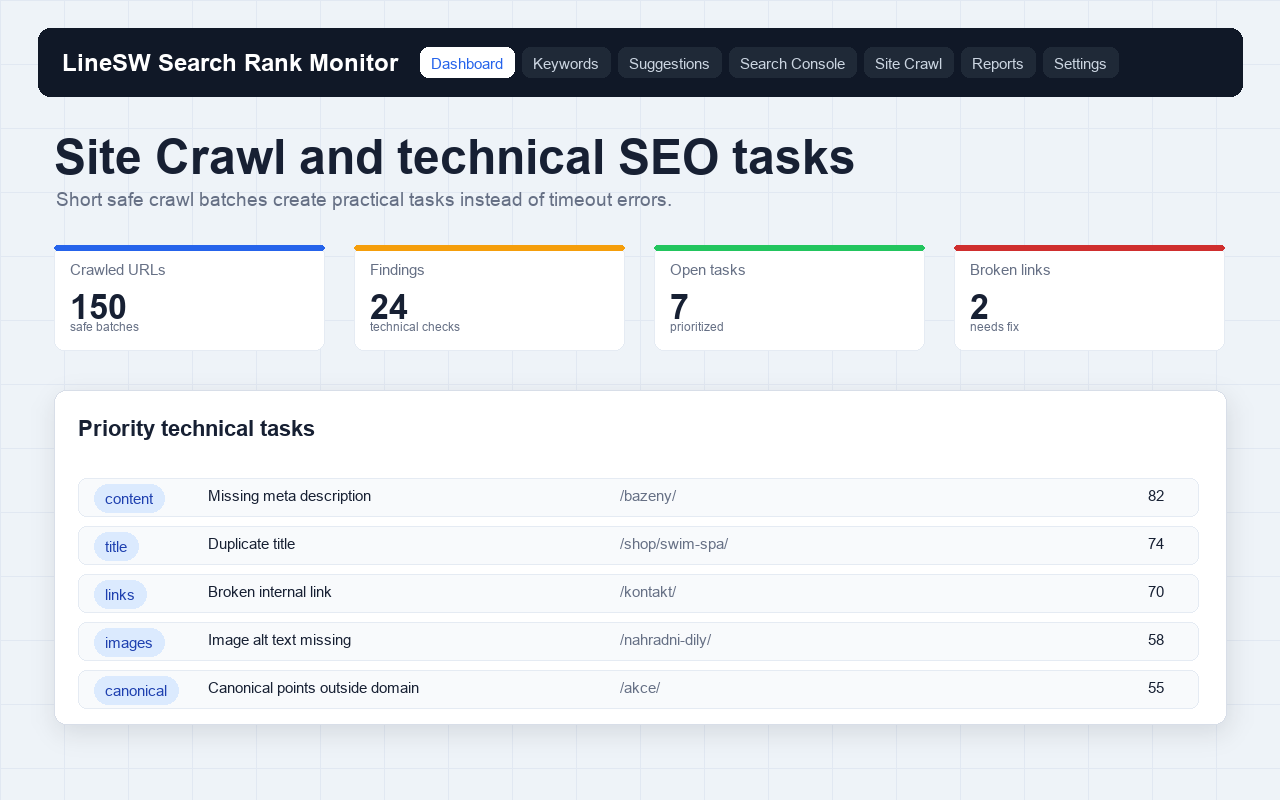
A technical crawl limited to 30 URLs per run.
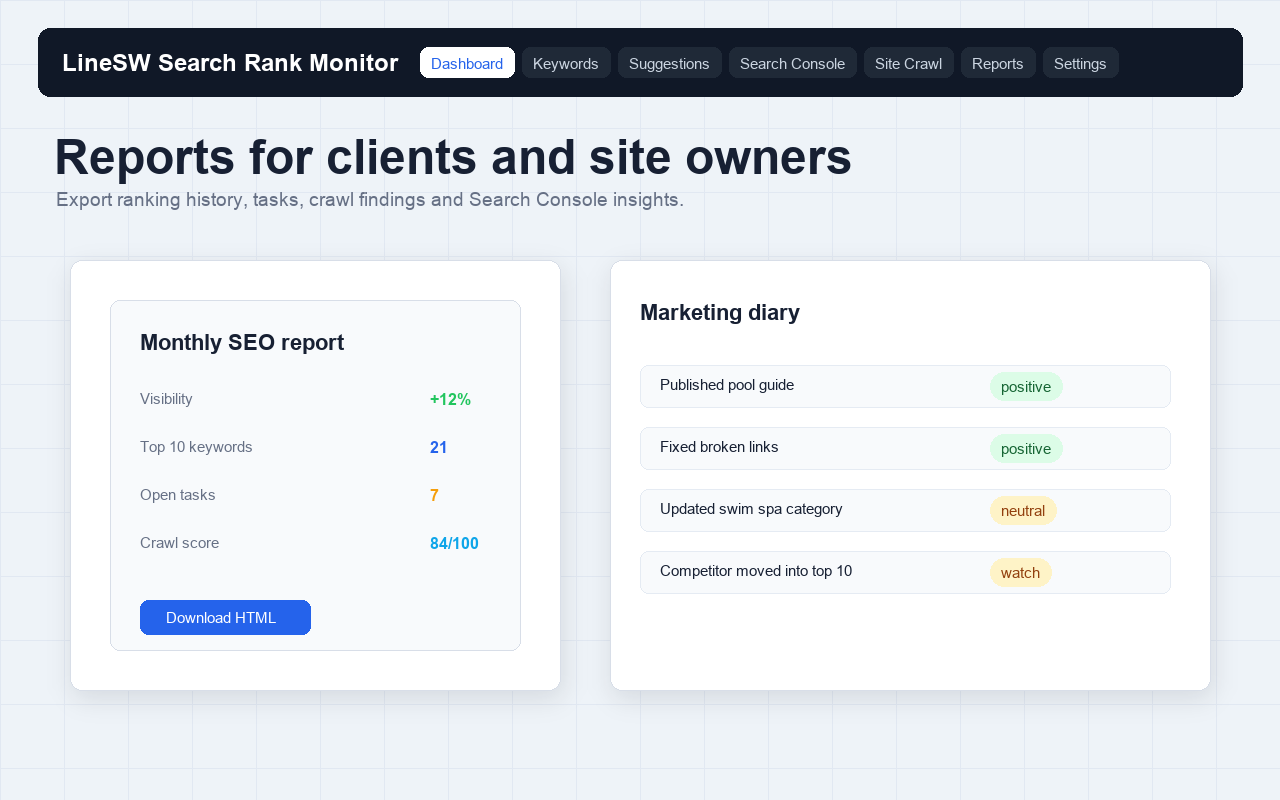
HTML/CSV exports, shared reports, and white-label outputs.
Screenshots
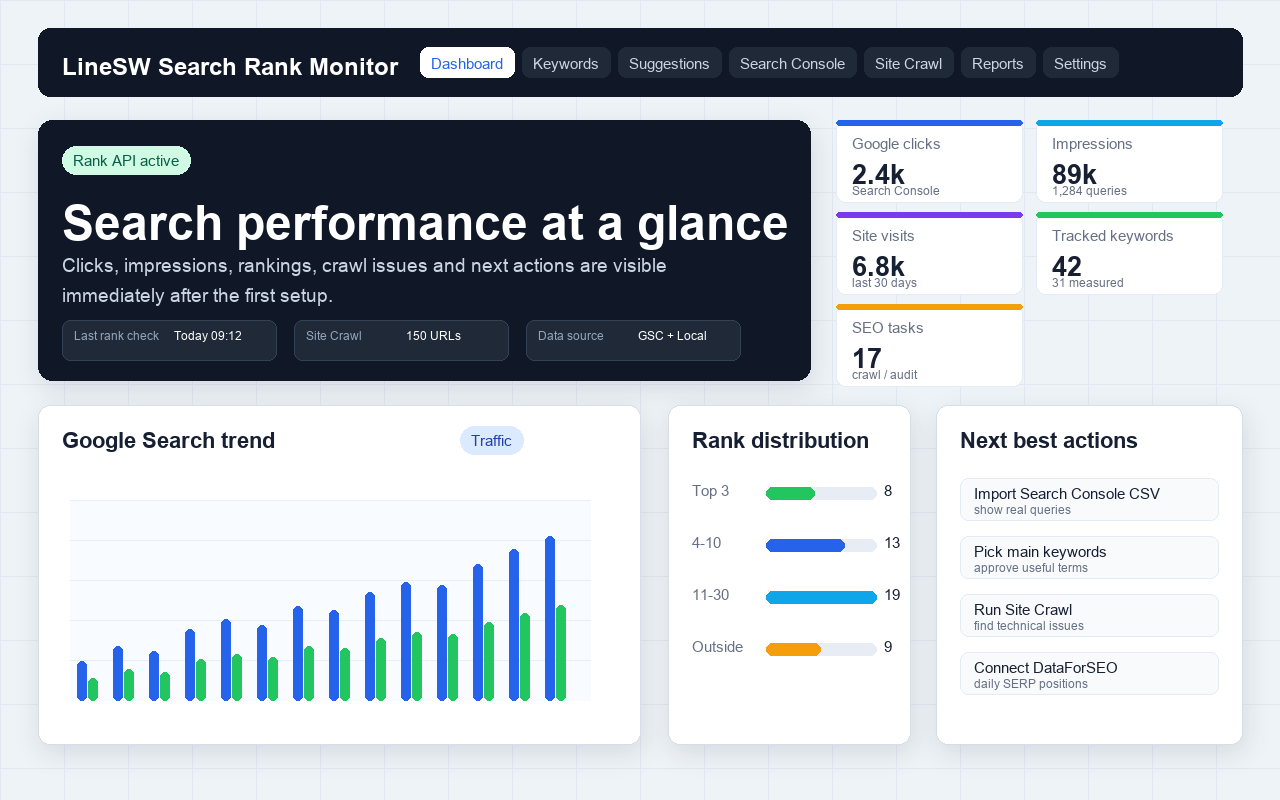
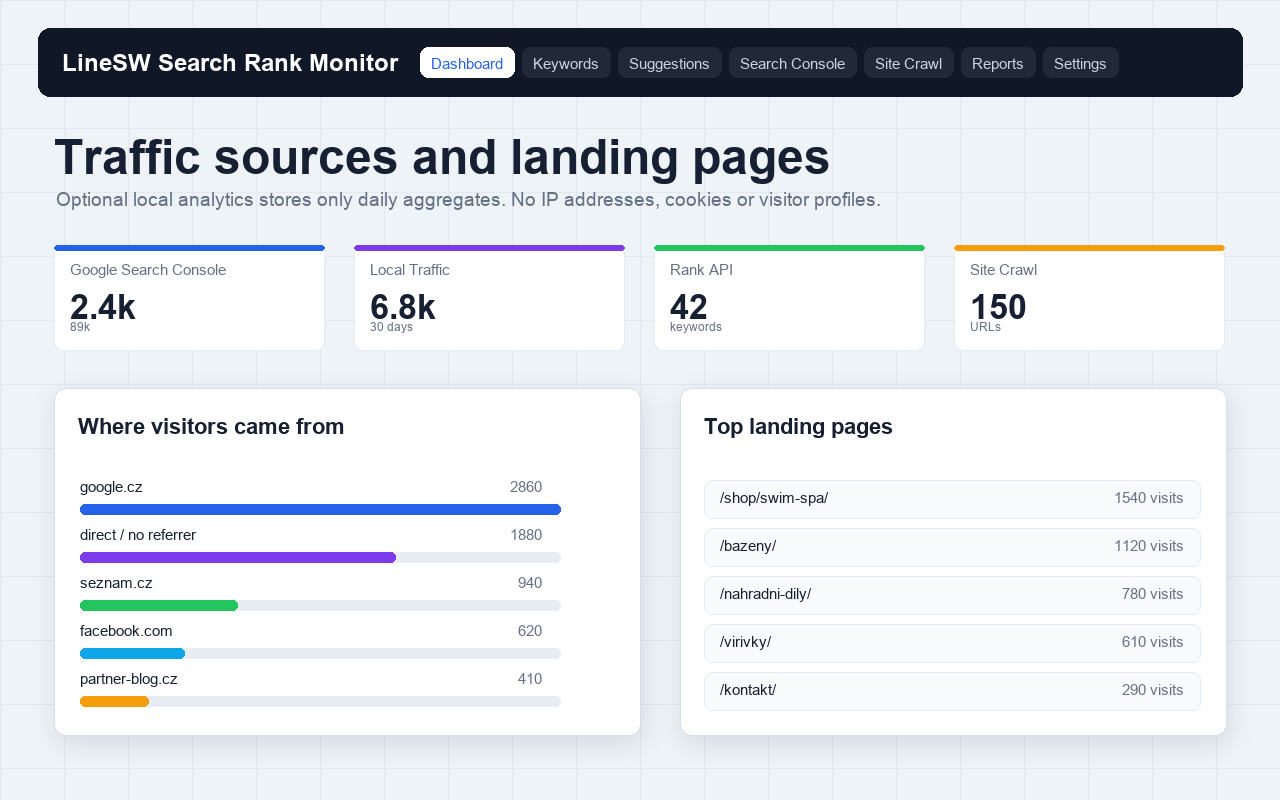
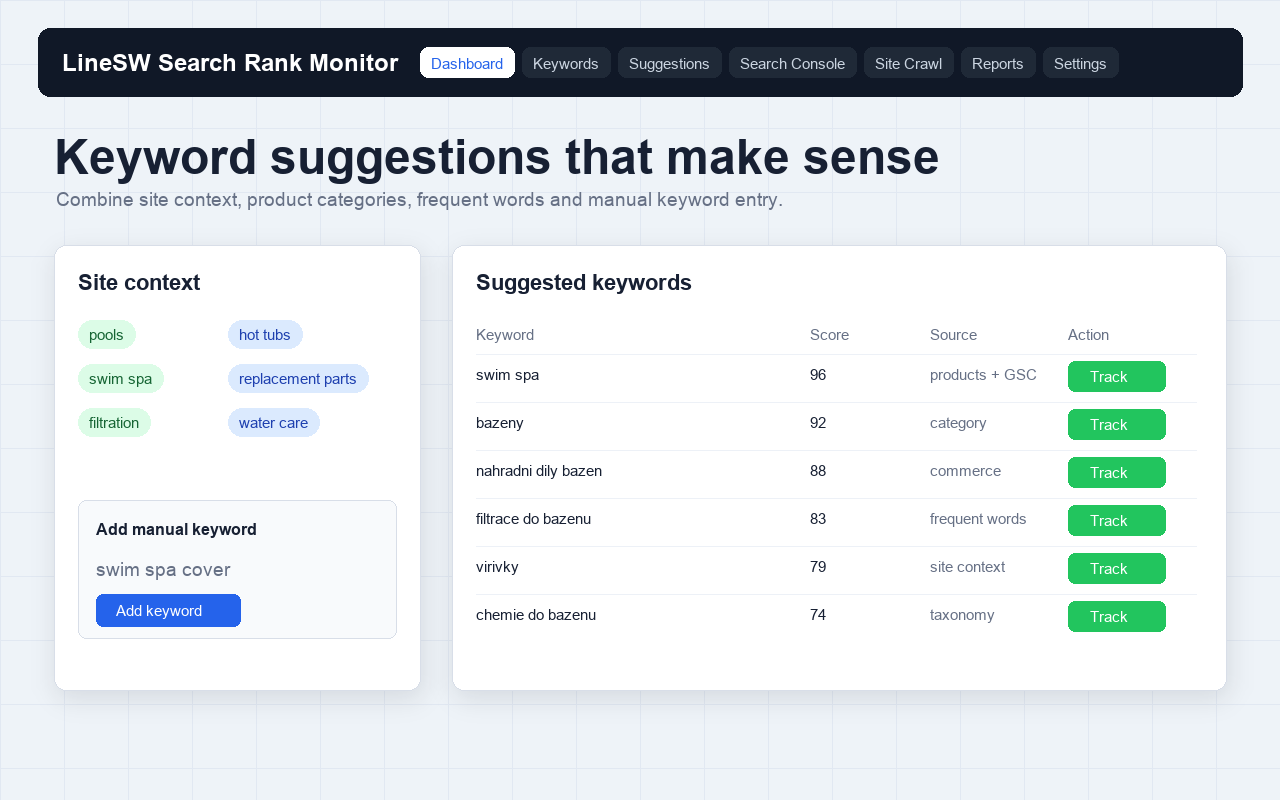
Five selected public visuals with synthetic values. Screenshot 5 with overlapping text is not used.
Video
Free 0.22.10 includes its own DataForSEO or Managed API measurements, desktop and mobile, Google Search Console API, PageSpeed, Site Crawl, HTML/CSV exports, shared reports, and white-label outputs.
Editions
The public WordPress.org plugin LineSW Search Rank Monitor is version 0.22.10. The product brand and workflow are called SEO Rank Radar. WordPress 6.0+ and PHP 7.4+. Public 0.22.10 was verified on WordPress 7.0.2.
Pricing
The safely published offer is Free at €0. Paid checkouts exist, but their feature differences and limits are not shown on this page or in schema until tier enforcement is fixed and re-verified.
0 €
FAQ
The public WordPress.org plugin LineSW Search Rank Monitor is version 0.22.10. The product brand and workflow are called SEO Rank Radar.
Free 0.22.10 includes its own DataForSEO or Managed API measurements, desktop and mobile, Google Search Console API, PageSpeed, Site Crawl, HTML/CSV exports, shared reports, and white-label outputs.
Paid checkouts exist, but paid feature differences and public plan limits are not currently enforced per tier in the product code. This page therefore does not publish paid feature differences or paid offers in schema.
WordPress 6.0+ and PHP 7.4+. Public 0.22.10 was verified on WordPress 7.0.2.
Project data and reports stay in WordPress except for data required by selected external measurements and Google integrations. A shared report exposes only an explicitly published output.
Site Crawl processes 30 URLs per run. Values shown in screenshots are synthetic and are neither customer results nor plan limits.
Measurements may connect to DataForSEO or Managed API, Search Console uses Google APIs, and PageSpeed uses Google PageSpeed Insights. Connections are configured deliberately in settings.
Project data and reports stay in WordPress except for data required by selected external measurements and Google integrations. A shared report exposes only an explicitly published output.
Install the plugin from WordPress.org, create a project, add keywords, and choose desktop or mobile. Connect external APIs and Google integrations only for workflows you intend to use.
The safely published offer is Free at €0. Paid checkouts exist, but their feature differences and limits are not shown on this page or in schema until tier enforcement is fixed and re-verified.
Use LineSW support or seorankradar.com. Include the plugin version, project context, and reproducible steps; do not send credentials.
Verify the measurement source, device, location, Search Console connection, and Site Crawl scope first. Results from different sources or devices are not automatically identical.
LineSW
Use LineSW support or seorankradar.com. Include the plugin version, project context, and reproducible steps; do not send credentials.